
Phone app
myHexa installs like an app, without going through an app store. Once installed, it opens full screen and can notify you of new alarms.
Install the app
Section titled “Install the app”On iPhone (Safari)
- Open my.hexa-ai.fr in Safari and log in.
- Tap Partager (Share), then Sur l’écran d’accueil (Add to Home Screen).
- Open myHexa from the new icon.
On Android (Chrome)
- Open my.hexa-ai.fr in Chrome and log in.
- In the ⋮ menu, choose Installer l’application (Install app) (or Ajouter à l’écran d’accueil, Add to Home screen).
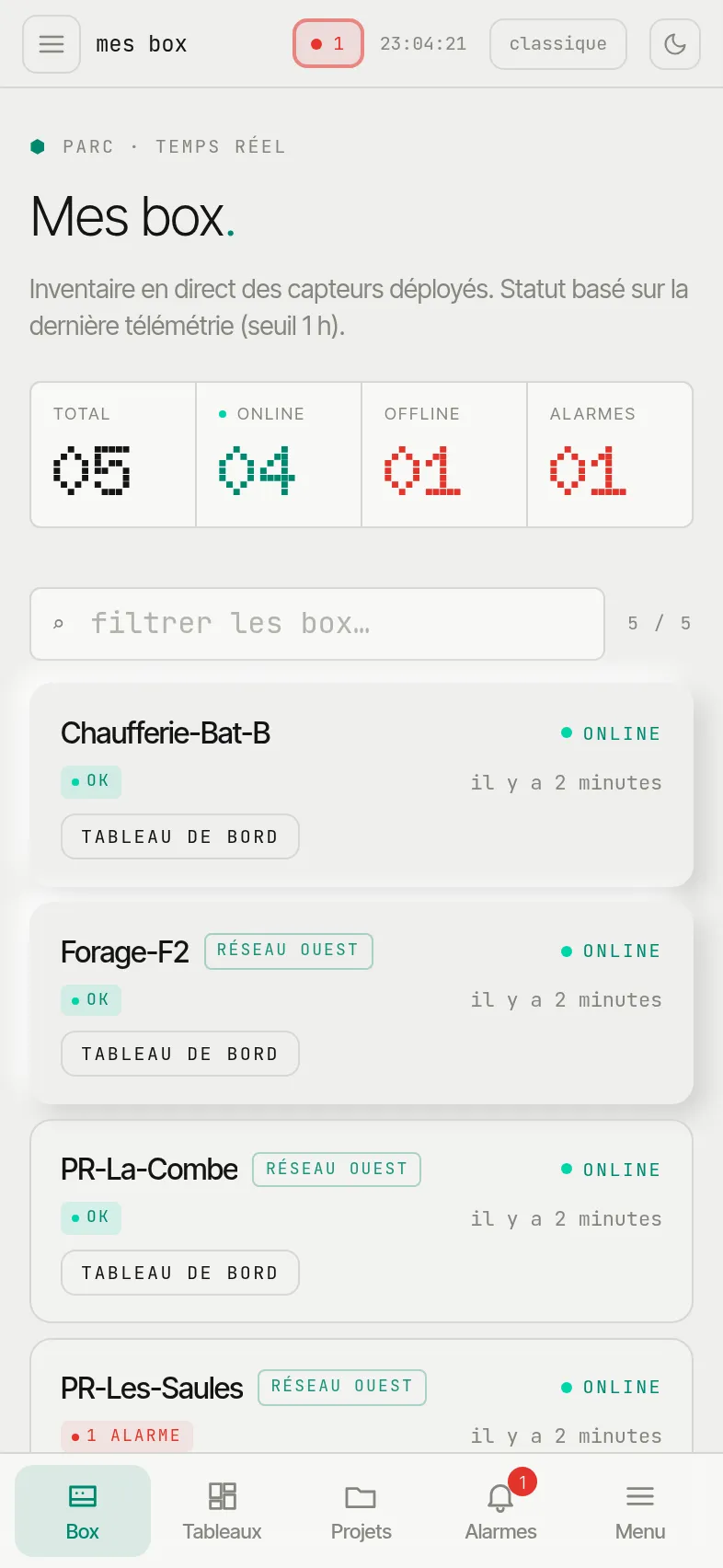
On a phone, a tab bar at the bottom of the screen gives access to Box, Tableaux (Dashboards), Projets (Projects), Alarmes (Alarms) and the full Menu.
Receive alarms as notifications
Section titled “Receive alarms as notifications”- Open the Alarmes (Alarms) tab.
- In the Notifications sur cet appareil (Notifications on this device) panel, tap Activer (Enable) and accept the phone’s request.
You are then notified of every new alarm on your boxes, even when the app is closed. The setting applies to this device: enable it on each phone or computer concerned.