
Login and invitations
The portal is available at my.hexa-ai.fr, from any recent browser.
First access: the invitation
Section titled “First access: the invitation”You do not create your own account: an administrator of your company (or Hexa-AI during commissioning) invites you.
- You receive a myHexa invitation email.
- Click the link: it opens the portal so you can choose your password.
- You land on the list of your boxes.
The invitation link can be used only once and is valid for a limited time. If it has expired or has already been used, the page offers to request a new one. The password must be at least 8 characters long.
Log in
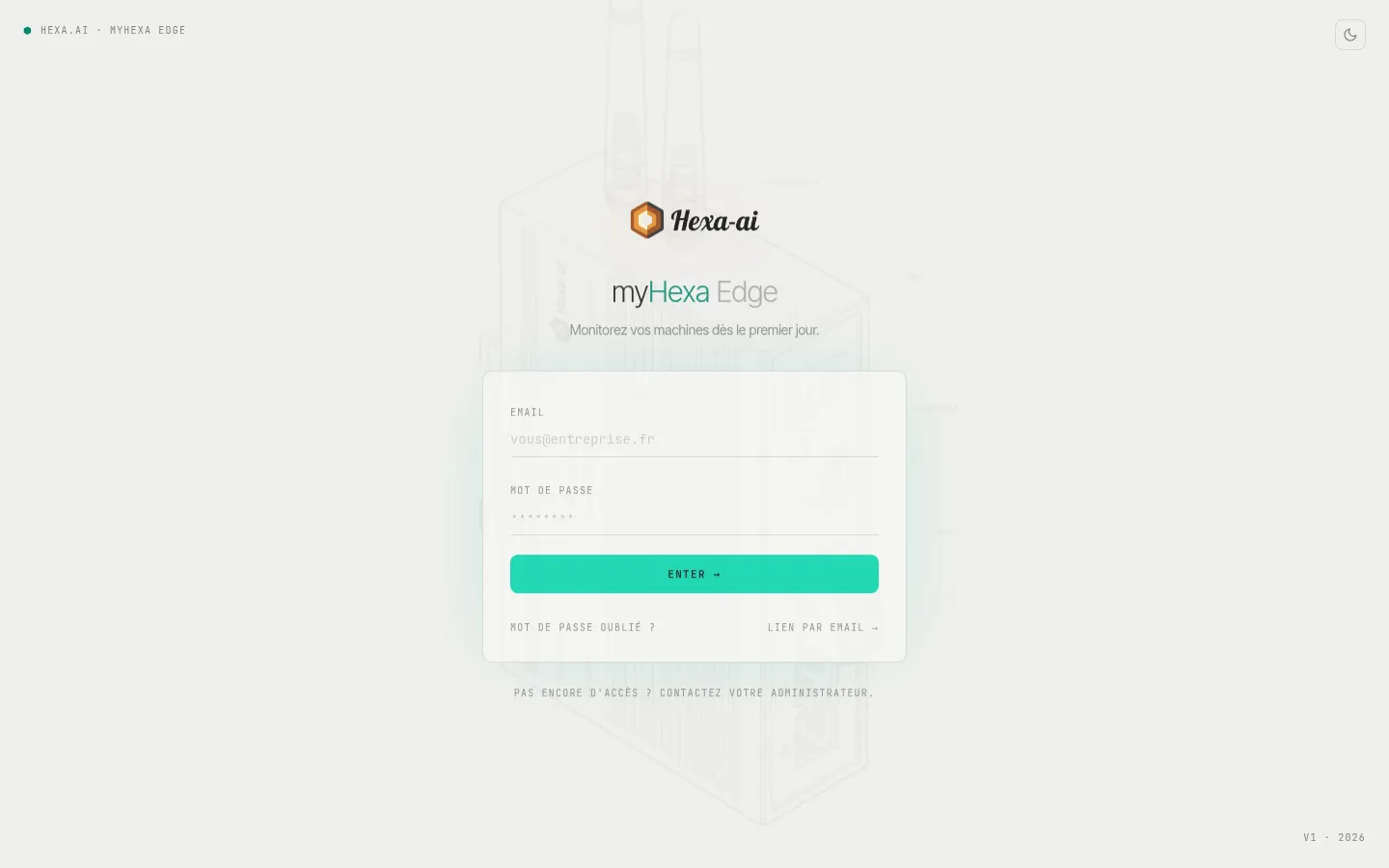
Section titled “Log in”- E-mail et mot de passe (email and password): the usual method.
- Lien par email (email link): no password needed; if the address matches an account, you receive a single-use login link.
- Mot de passe oublié ? (forgot your password?): you receive a link to choose a new one.
No access yet? Ask your company’s myHexa administrator.
What you see
Section titled “What you see”What the portal shows depends on your role:
- Viewer (reader): views the boxes, history, dashboards and alarms within their scope.
- Admin: can also invite users, build dashboards and reports, edit alarm recipients and start box updates.
See Users and access.