
Users and access
The Destinataires (Recipients) page, restricted to administrators, lists the people who have access to the portal for your company, and who receive its emails (invitations, reports).
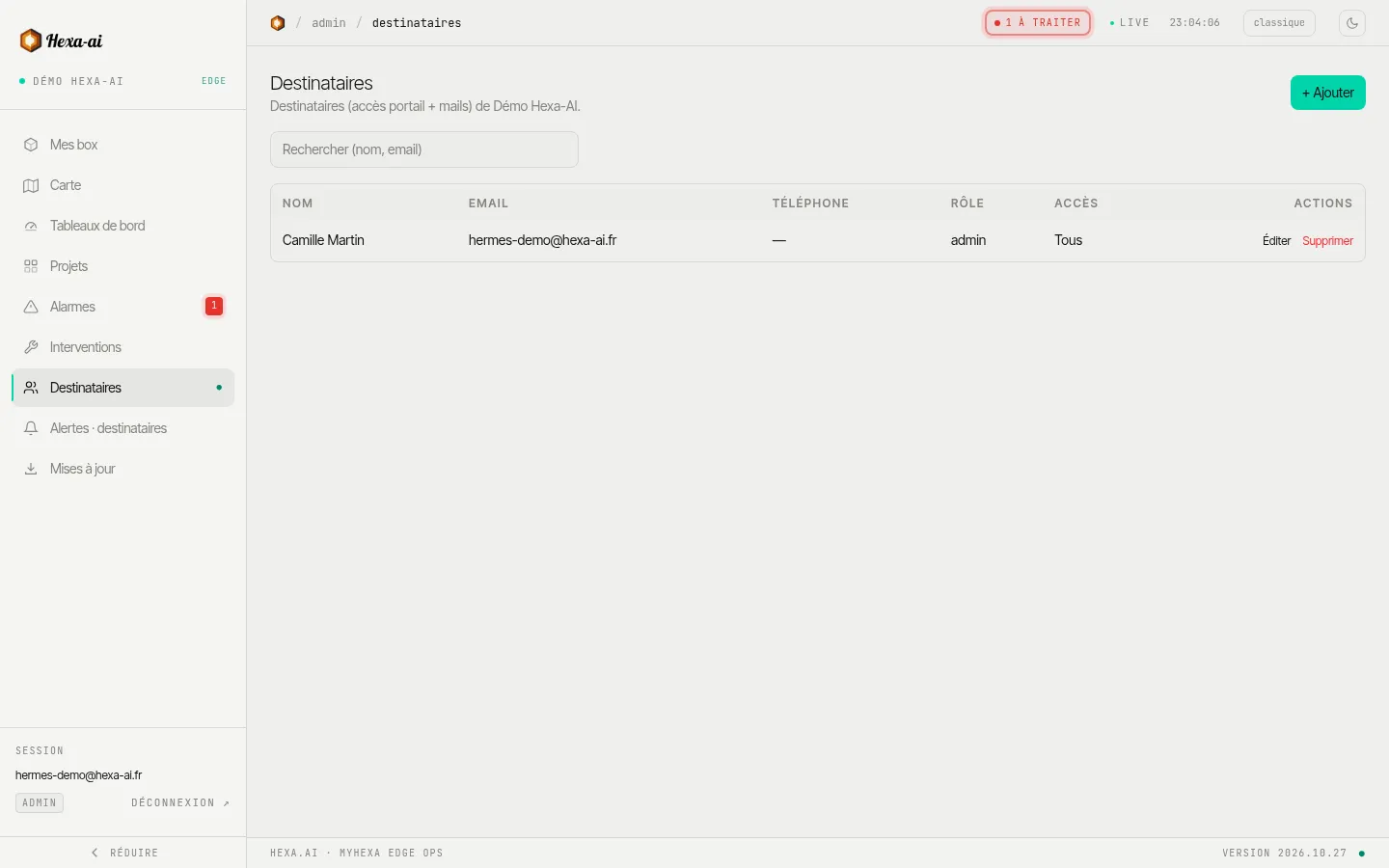
Invite a person
Section titled “Invite a person”- + Ajouter (Add).
- Name, email and, if needed, phone number.
- Choose the role:
- Viewer (reader): can view;
- Admin: can also invite, set alarms and start updates.
- Choose the box access:
- Tous les équipements (All devices): including those added later;
- Sélection limitée (Limited selection): only the ticked boxes.
- Créer + envoyer l’invitation (Create + send the invitation): the person receives an email to choose their password.
The email address cannot be changed afterwards; the role and the access can.
External person
Section titled “External person”Tick Destinataire externe (External recipient) for a person who does not belong to your company (a subcontractor, an end customer): they see only the boxes you share with them (at least one must be selected).
To show a single dashboard, without giving access to the boxes, use dashboard sharing instead.