Interventions
The Interventions page is the register of field actions. Reports arrive from each box’s public page, opened by its QR code (see Box page).
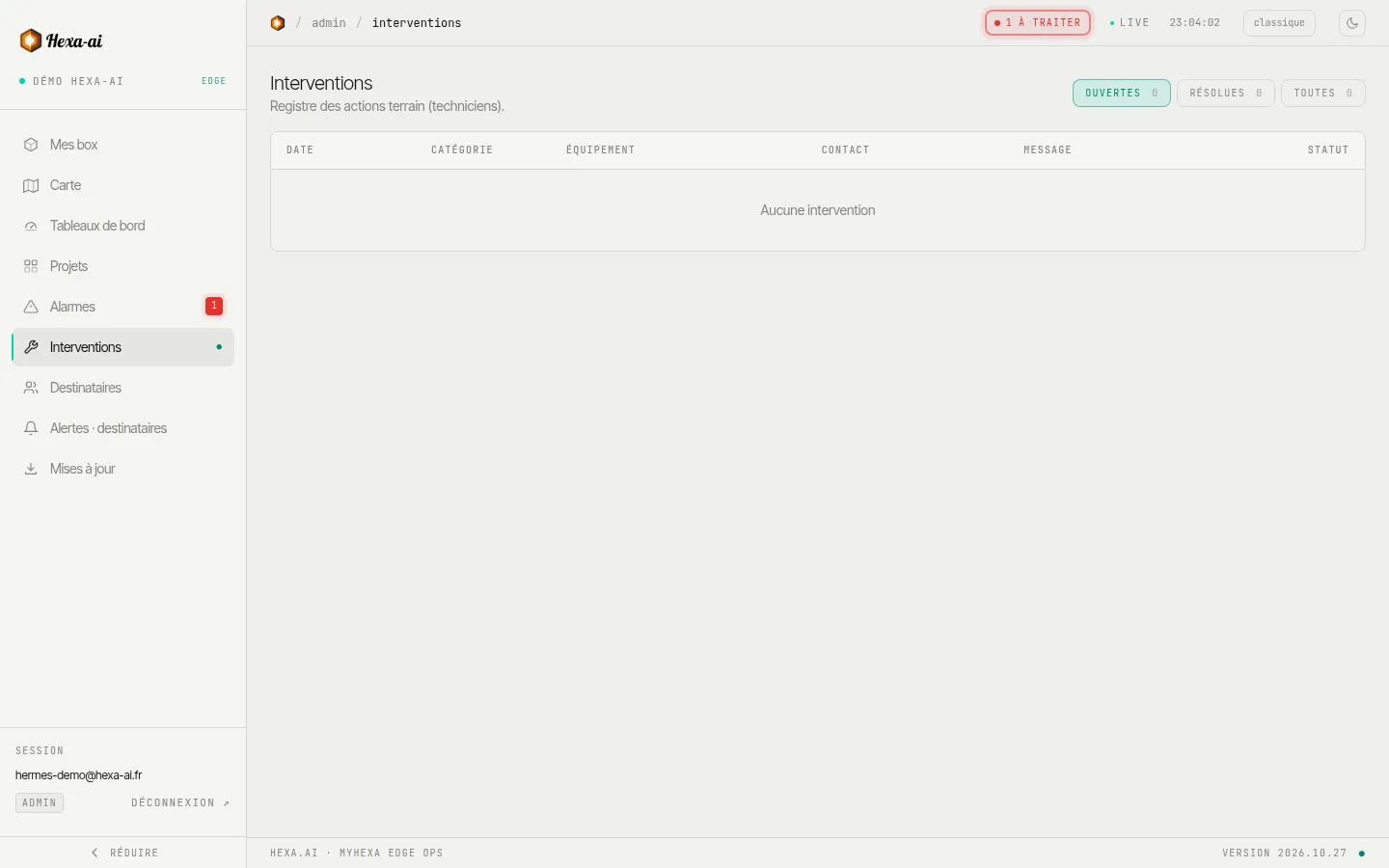
For each report: date, category (Intervention, Incident, Contrôle (Check), Autre (Other)), the box concerned, the technician and their contact details, message, photos and status.
- Ouvertes (Open), Résolues (Resolved) and Toutes (All) filters.
- Click a line for the details and photos.
- Marquer résolue (Mark as resolved) closes the report; Rouvrir (Reopen) puts it back in progress (administrators only).
The number of open interventions appears in the menu, next to Interventions.