
Box updates
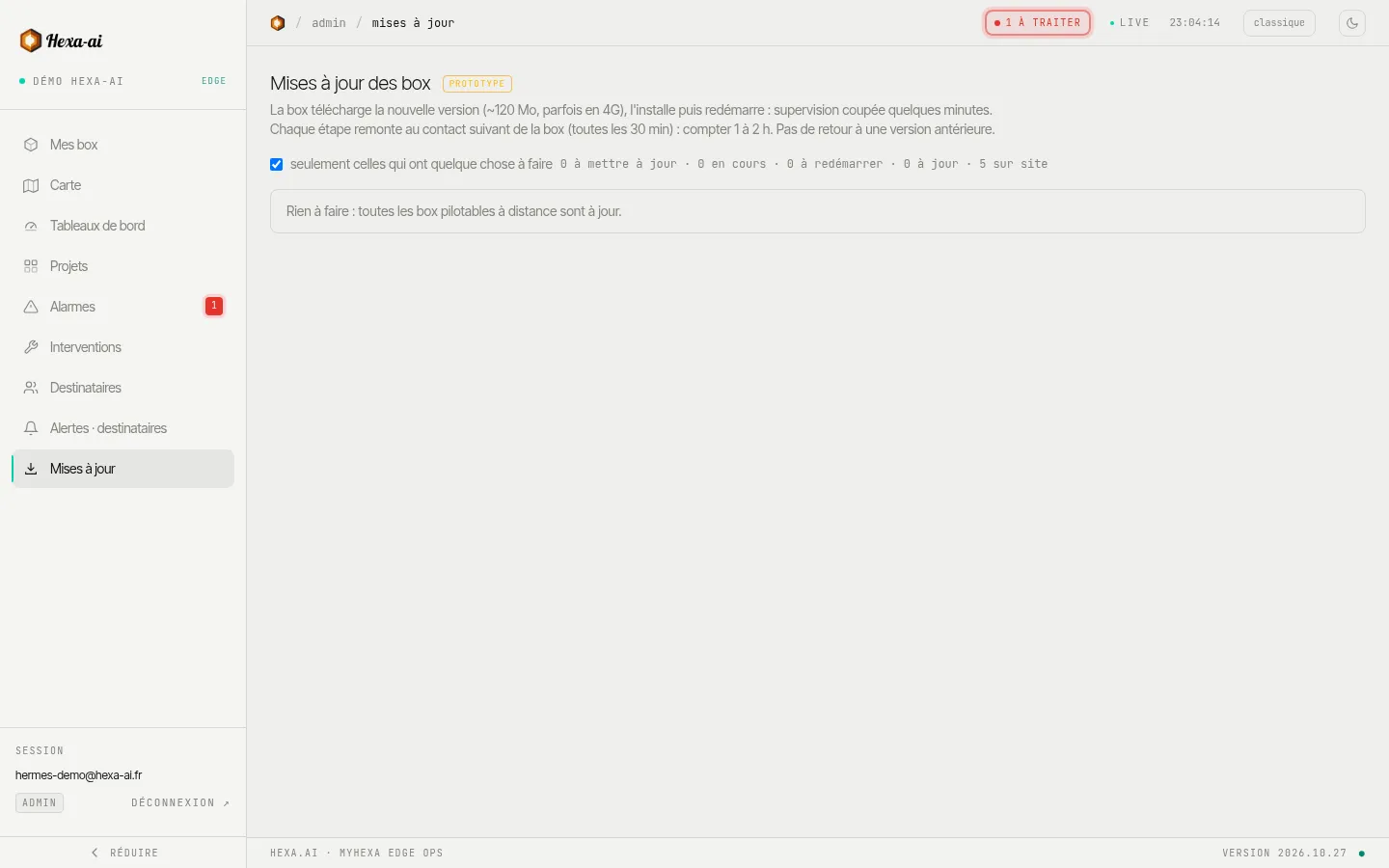
The Mises à jour (Updates) page lists your boxes, their version and the available version, and lets you update them remotely.
Start an update
Section titled “Start an update”- Tick the boxes to update (or tout cocher (tick all)). The option “seulement celles qui ont quelque chose à faire” (only those with something to do) hides the boxes that are already up to date.
- Mettre à jour la sélection (Update the selection), check the summary (current version → new version), then Lancer la mise à jour (Start the update).
Before you start
Section titled “Before you start”Boxes concerned
Section titled “Boxes concerned”Only boxes running version 1.3.7 or later, with remote control enabled, can be updated from the portal. The others are marked mise à jour sur site (update on site).
A box that has not reported in for more than 2 hours is flagged: the update will only reach it when it reconnects. As long as it has not yet been sent to the box, a scheduled update can be cancelled.