
Alarm recipients
The boxes notify people when an alarm occurs. The portal is where you set, in one place for the whole fleet, who each box notifies and how. It then sends these settings to the boxes.
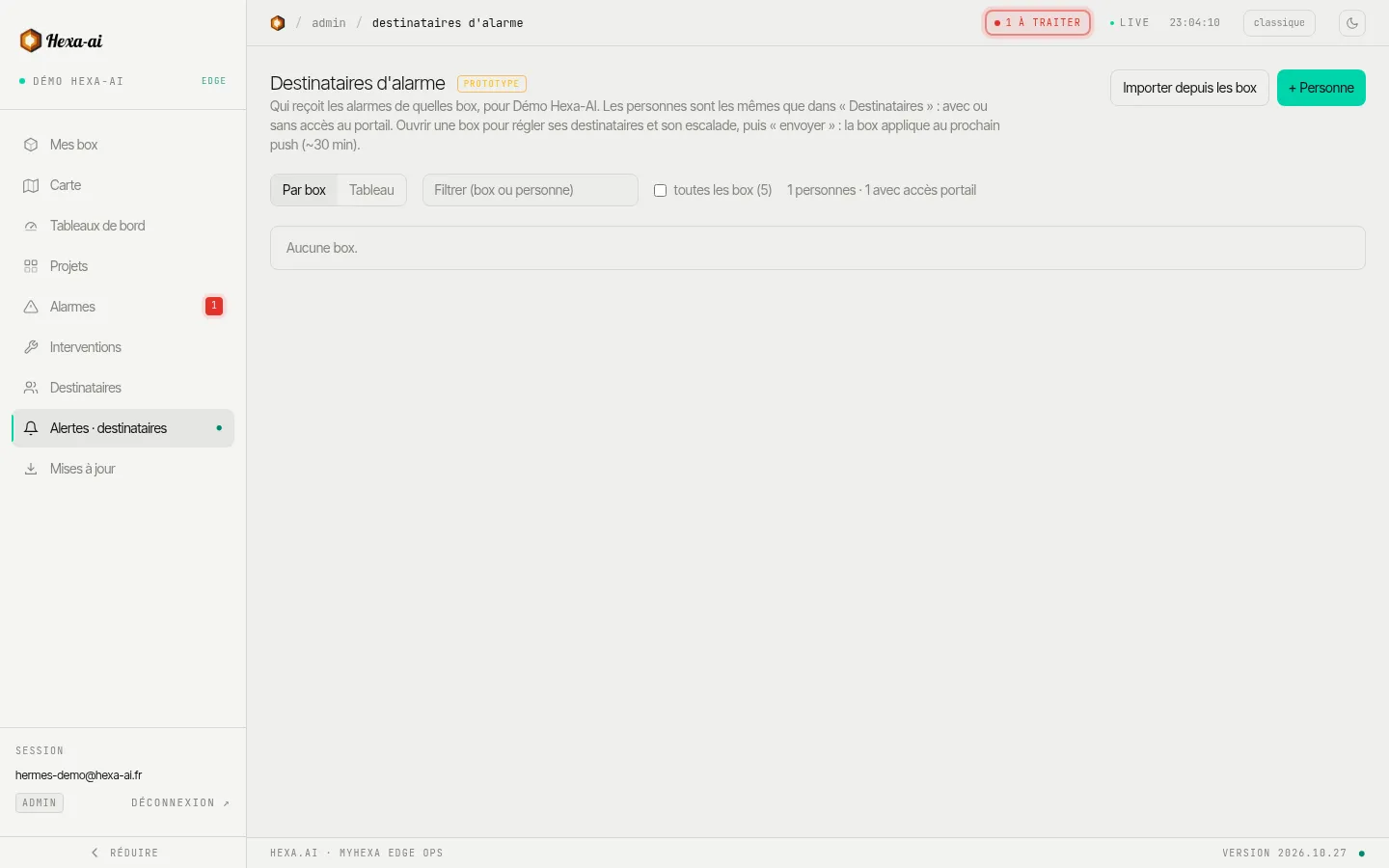
People
Section titled “People”+ Personne (Person) adds someone to notify: name, email, phone number. An on-call person does not necessarily need portal access:
- Accès au portail : oui (Portal access: yes): they are invited as a reader or an administrator;
- Accès au portail : non (Portal access: no): they only receive the alarms from the boxes that notify them.
Importer depuis les box (Import from boxes) picks up the recipients already configured on the boxes.
Assign people to boxes
Section titled “Assign people to boxes”- Par box (By box) view: for each box, the list of people notified, their channels (mail, SMS, appel (call)) and the alarm types received (error, warning, info).
- Tableau (Table) view: all boxes and all people, for bulk settings.
- Copier les destinataires (Copy recipients) from one box to other boxes.
Escalation
Section titled “Escalation”For a box, escalation notifies people in levels: each level has its own delay; if the alarm is still active once the delay has elapsed, the next level is notified. With no escalation (immédiat (immediate) mode), everyone is notified straight away. The delay of each level ranges from 1 to 1,440 minutes, and options let you accumulate levels, stop when the alarm clears, or notify on closure.
Send to the boxes
Section titled “Send to the boxes”Changes only take effect once they are sent to the box. Each box’s synchronisation status shows whether it has received its recipients.