
Commissioning
What you need
Section titled “What you need”- A HAI-P200-4G gateway and its power terminal block
- An Ethernet cable
- A workstation on the same network as the
eth0port
1. Power the gateway
Section titled “1. Power the gateway”Wiring goes to the industrial terminal block, respecting the silkscreened polarity. The accepted supply range is listed in the hardware specifications.
Once powered, a full HAI-OS boot takes about a minute. The status LED turns solid green when services are up.
2. Reach the web interface
Section titled “2. Reach the web interface”The administration interface is served over HTTPS on port 443 of the eth0
Ethernet port.
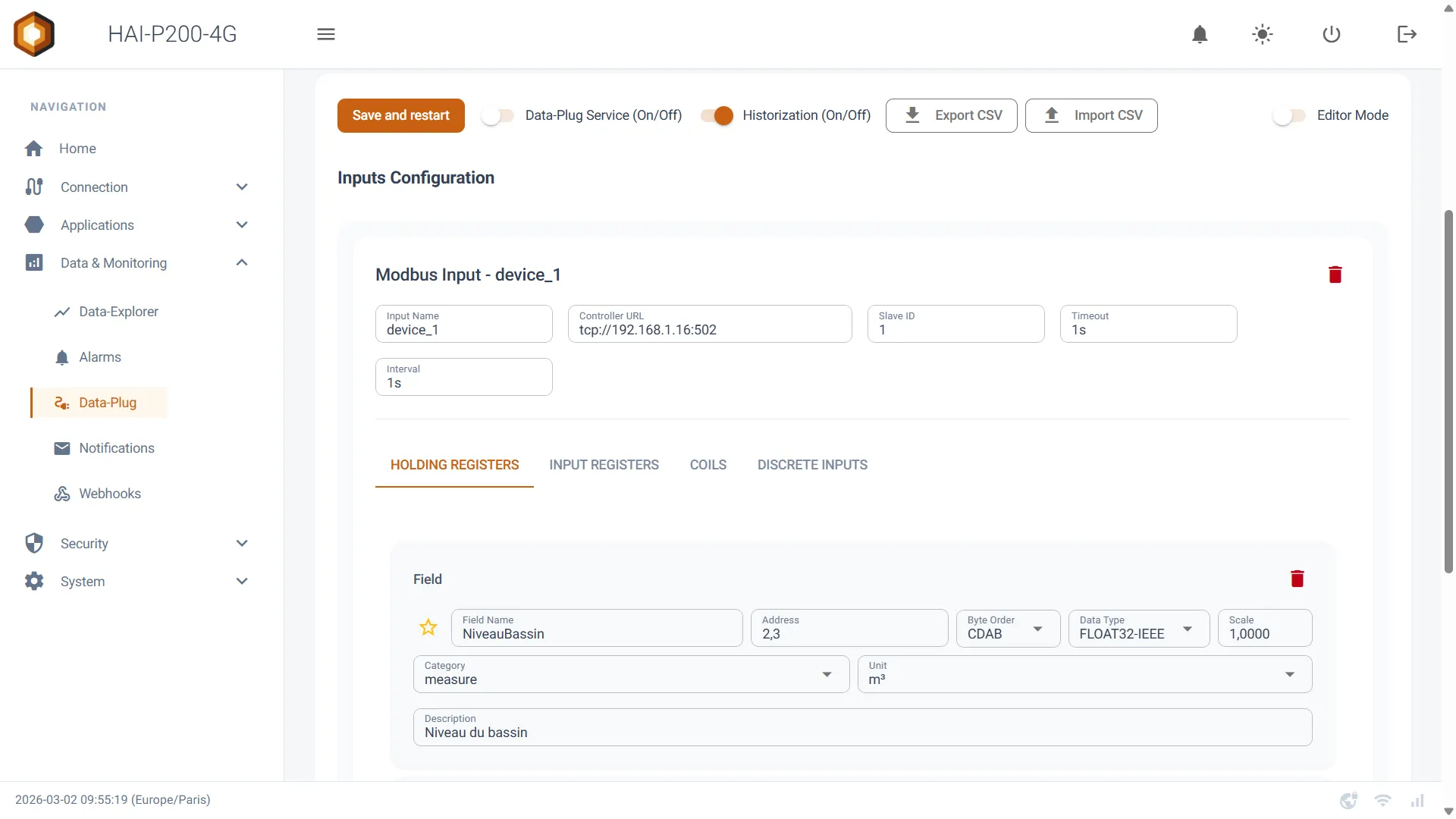
An image written in plain Markdown, like the one above, is automatically capped at 720 px wide: full width on mobile, without pointless stretching on a 27-inch display.
3. Declare your first device
Section titled “3. Declare your first device”Go to Acquisition → Sources, then pick your PLC’s protocol. Configuring a Modbus TCP source is covered in the Modbus page.
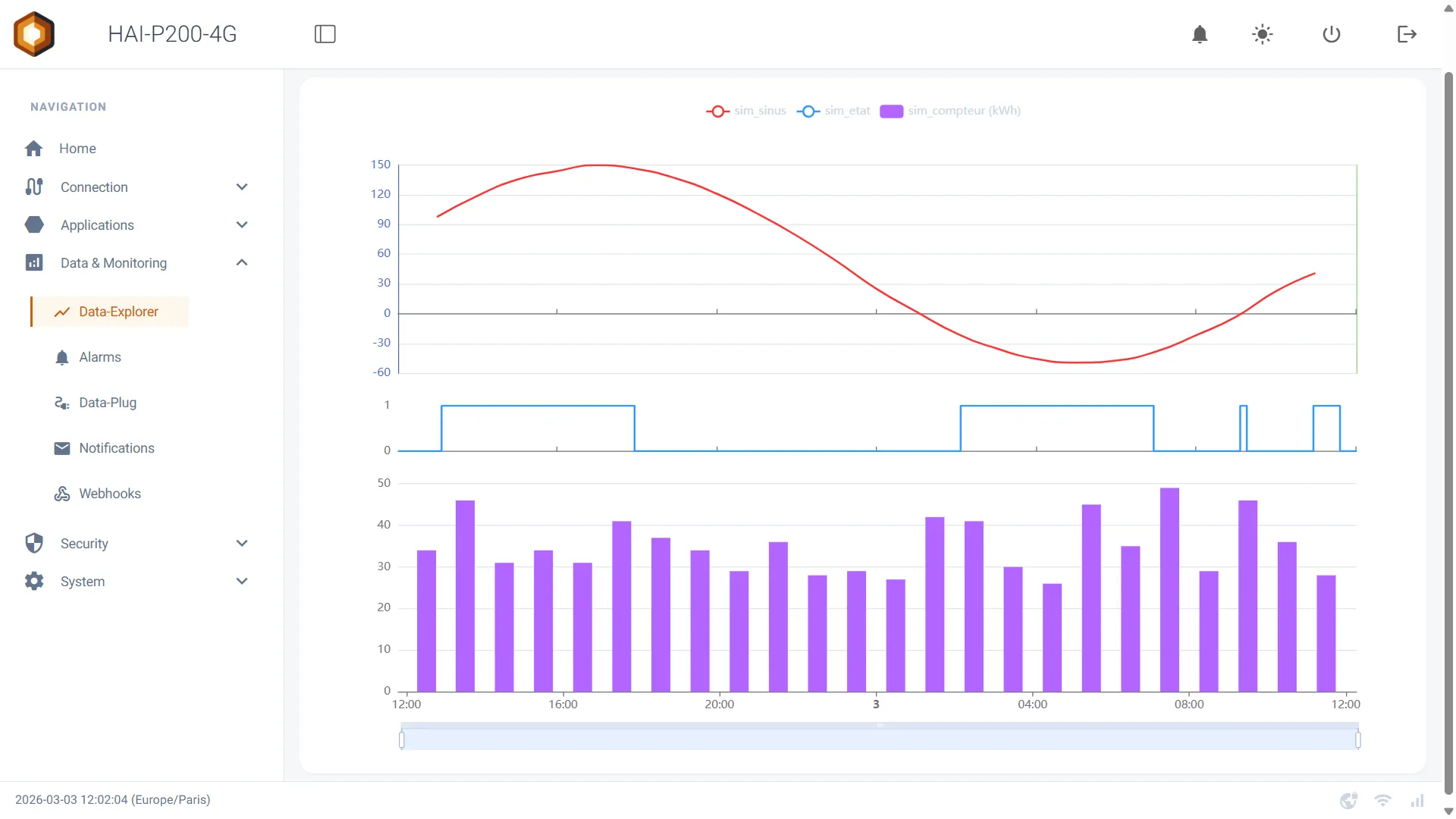
wide class allows 1100 px, for views that lose their meaning once shrunk.Checking everything runs
Section titled “Checking everything runs”| Service | Role | Check |
|---|---|---|
| Acquisition | Polling devices | Tags report a timestamped value |
| Historisation | Writing to the local database | The chart fills in the explorer |
| Remote link | Tailscale tunnel | The gateway shows up in your tailnet |